Accessibility as Operational Capability: Why It Must Be a Process, Not a Patch
Accessibility as Operational Capability: Why It Must Be a Process, Not a Patch
Your website just passed an accessibility audit. You fixed the missing alt text and tweaked the low-contrast buttons. A green checkmark comes in, maybe a sigh of relief. Then six months pass. Someone publishes a new blog post with images straight from Canva. A marketer installs a chatbot widget. Suddenly, your site traps keyboard users again and the contrast on the new call-to-action falls below WCAG thresholds. The fix-it-later cycle starts over.
If accessibility exists only as a final audit checkpoint, you are pouring concrete on sand. The real answer is to stop treating it as a feature you bolt on and start running it as an operational capability: embedded in your daily workflows, tools, roles, and release gates, from design straight through to ongoing maintenance. This post unpacks what that shift looks like, why it saves money, and how to start, even without a dedicated a11y team.
What "Accessibility as Operational Capability" Means
A feature mindset bundles accessibility neatly into a sprint task: "Add ARIA labels to the search component before QA." It's reactive, late, and fragile. An operational capability mindset, by contrast, makes accessible outcomes the default. Designers pick colours from a token set that has already been verified for contrast ratios. Developers run automated checks locally, the same way they run linters. A pull request that introduces a keyboard trap will not merge. And every sprint retrospective includes a look at the team's accessibility debt, not just code coverage.
This approach moves accessibility from something you "do at the end" to something the organization simply does, like backing up databases or answering customer email. When new people join or code changes, the safety nets stay in place because they are part of the machine, not a one-off campaign.
The Real Cost of Feature Thinking
Sticking with a retroactive approach costs more than just reputation. The WebAIM Million 2024 report analysed the top one million homepages and found that 95.9% had detectable WCAG 2 failures, with an average of 56.8 errors per page. Low contrast text plagued 81% of pages; 38% were missing alt text for images; empty links and form label omissions were widespread. That's not a few outliers. That's the norm.
Fixing accessibility issues after launch is dramatically more expensive. Research from Deque Systems indicates that addressing a problem during design costs a fraction of what it takes to fix it in production, sometimes up to 30 times less. Every hour you spend retrofitting a live site is an hour you didn't spend on new features or customer experience.
Then there's the legal dimension. The European Accessibility Act (EAA) deadline lands on 28 June 2025, requiring many private-sector websites and apps serving EU consumers to meet accessibility standards. Lawsuits under the Americans with Disabilities Act continue to climb. But the business case goes beyond compliance: roughly 15% of the global population lives with some form of disability. Accessible sites are easier for search engines to crawl, perform better on mobile, and deliver a cleaner experience for everyone. A site that works for someone with a broken arm, in bright sunlight, or on a slow connection is a site that works better for all visitors.
From Checklist to Workflow: A Practical Operational Framework
Moving from a one-time accessibility sweep to an always-on capability does not require hiring a full-time specialist. It needs a handful of habits baked into how you build and maintain your site. Here's a framework that teams of any size can adapt.
1. Write accessibility acceptance criteria into every user story and design ticket. When you define a new component, include the specific WCAG success criteria it must meet. For example: "All images in the testimonial carousel must have meaningful alt text or be marked decorative." "The modal must trap focus and be dismissed with the Escape key." This shifts the expectation to the start of the work, not the QA phase.
2. Run automated checks in your CI/CD pipeline. Tools like axe-core, Pa11y, and Lighthouse CI can catch a large share of issues before code reaches a staging environment. A standard GitHub Actions workflow might look like this:
name: Accessibility checks on: [pull_request] jobs: a11y: runs-on: ubuntu-latest steps: - uses: actions/checkout@v4 - name: Install dependencies run: npm ci - name: Run axe-core against the build run: npx @axe-core/cli --exit-code 2
Set the pipeline to fail the build when critical violations appear. That one gate prevents backsliding.
3. Schedule manual spot checks every week. Automation catches perhaps 60-70% of issues. It won't tell you that alt text is meaningless ("image_001.png") or that the tab order feels broken. Spend 15 minutes weekly tabbing through a key flow, such as checkout or contact, with a screen reader like NVDA (Windows) or VoiceOver (Mac). Pair it with a keyboard-only pass. Record findings in the same backlog you use for everything else.
4. Make accessibility a shared responsibility. Designers own colour contrast and focus indicator visibility. Content authors own descriptive link text and heading hierarchy. Developers own semantic HTML, ARIA, and keyboard behaviour. QA validates against agreed criteria. Create a simple team scorecard (number of open a11y bugs, audit pass/fail by page) and review it alongside velocity and uptime.
5. Maintain a living component library with baked-in accessibility. Buttons, form fields, modals, and navigation patterns in your design system must ship with proven accessible markup. No one should ever build a custom dropdown from scratch without inheriting tested behaviour. A comprehensive website optimization guide can help you see how performance and accessibility improvements often overlap inside a shared component library.
6. Run recurring training, not a one-off workshop. Host a quarterly "accessibility lunch" or pair a junior developer with someone who has screen reader experience. Small doses of hands-on practice work better than an annual compliance lecture.
7. Track accessibility debt like technical debt. When you cannot fix an issue immediately, log it in your project tool with an "a11y" label. Prioritize it alongside feature requests and bugs. This makes the cost visible and prevents unfinished work from hiding in a forgotten spreadsheet.
Common Traps That Derail Operational Integration
Even well-intentioned teams can slip. Watch out for these pitfalls.
- Over-relying on automated scanners. A green Lighthouse score does not mean your site is usable. Tools miss roughly 30 to 40% of issues. Always pair automation with manual review.
- Letting AI generate UI without guardrails. AI coding assistants produce a lot of inaccessible markup out of the box. Feed AI tools your accessibility design tokens and always validate AI-generated components against your existing audit pipeline.
- Fixing only high-traffic pages. Many organizations polish the homepage while the support portal or checkout remains a trap. Inconsistent accessibility erodes trust faster than no effort at all.
- Silencing the "one person who knows ARIA". If only one team member understands assistive technology, the capability leaves when they do. Spread knowledge through pairing and documentation.
What Operational Accessibility Looks Like After Launch
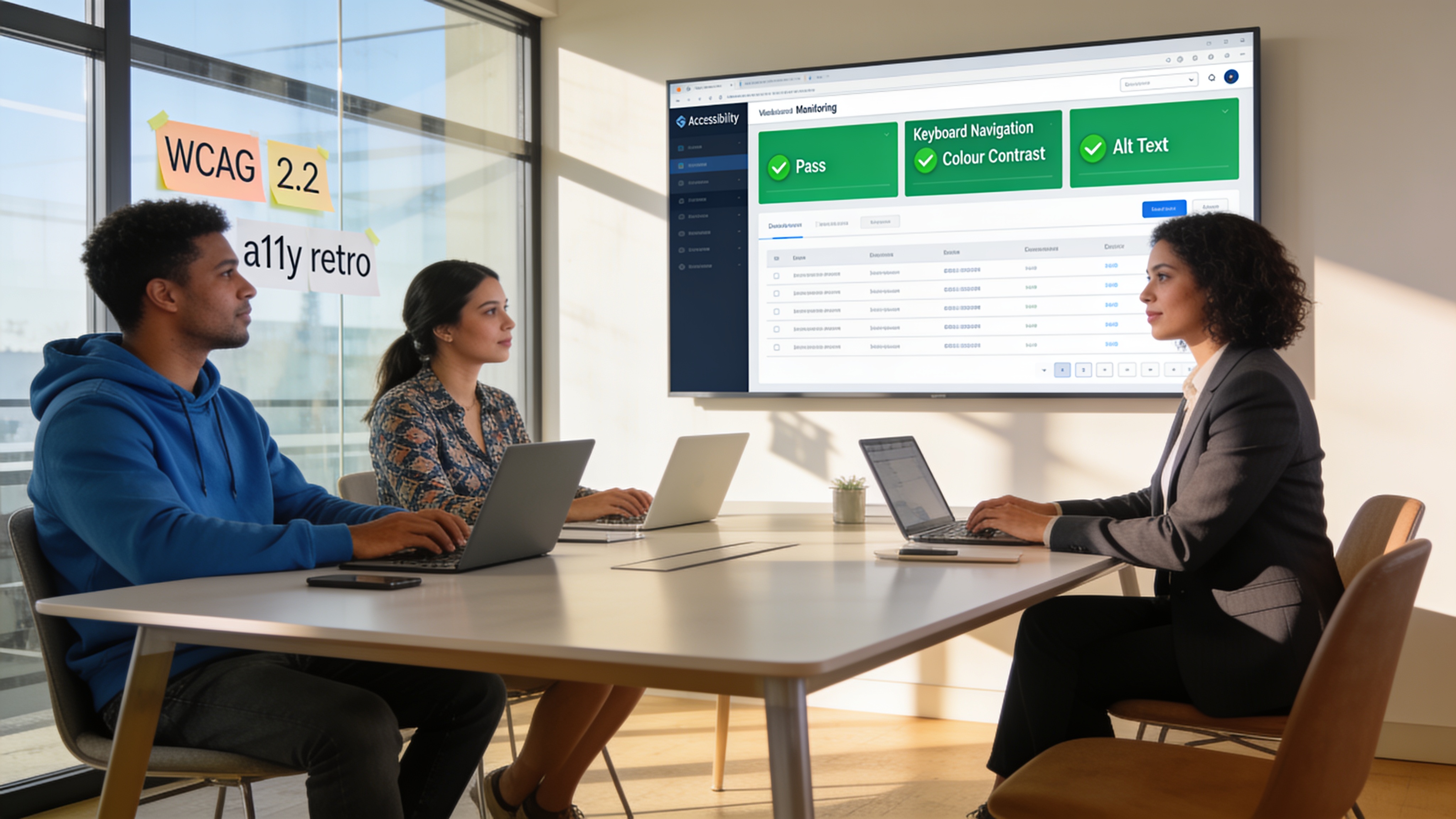
The real test of an operational capability is whether it survives day-to-day changes. New content, plugin updates, and third-party scripts can silently break an accessible page. That's why monitoring is essential.
An ongoing maintenance rhythm catches regressions before they pile up. At NextCore Web Agency, our Maintenance plan includes daily checks across speed, security, broken links, and accessibility benchmarks. When a WordPress plugin update introduces a focus trap, the team sees it and fixes it before it affects real users. That kind of continuous oversight moves you from one-off audits to an always-on safety net.
If you need deeper analysis first, a one-time Optimization audit surfaces the accessibility barriers hiding alongside your performance bottlenecks. Our optimization process includes a before-and-after report that gives your team a clear roadmap. And for teams that get stuck on specific ARIA patterns or form labelling questions, Website Support provides on-demand answers so no one has to wait for an external consultant to reply.
A site built with accessibility baked in stays more affordable to maintain, ranks better, and serves a wider audience. But it won't happen by accident. It happens when accessibility becomes part of the operational DNA, the same way you handle backups, uptime, or privacy compliance.
Start small: pick one high-impact flow, add automated checks, assign clear ownership, and schedule a manual run-through next week. Expand from there. The goal is not to sprint toward perfection today, but to build a system that gets a little better every sprint and never lets the basics regress.
Related Articles
Continue reading with these related posts
Ready to Start Your Project?
Let's build something amazing together. Get in touch to discuss your next project.
Contact Us Today