Best Website Maker in 2025: Free, Business, Portfolio & Ecommerce
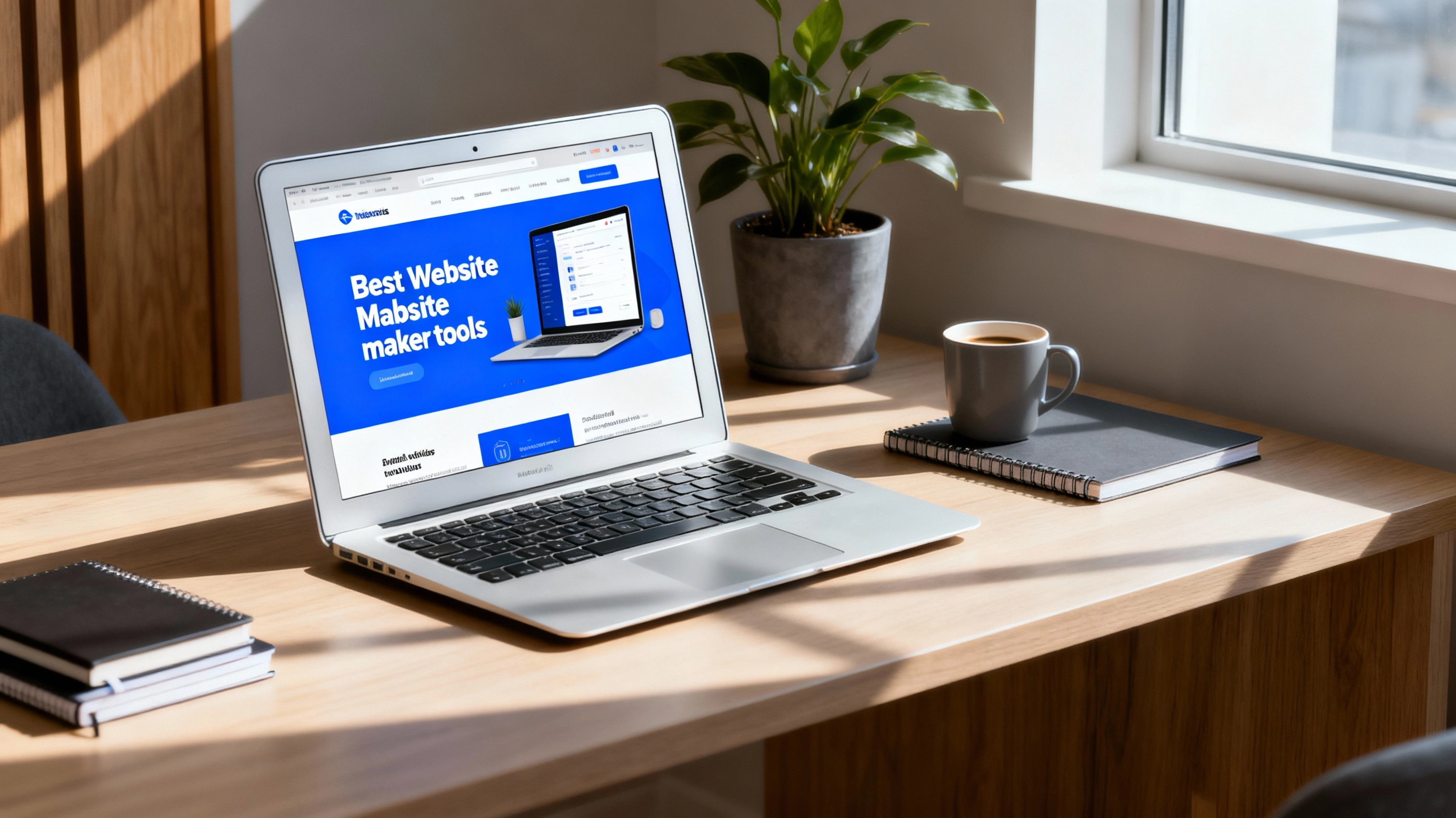
How to Choose the Best Website Maker in 2025 (Without Wasting Weeks Testing Tools)
If you type “best website maker” into Google, you are flooded with options, price plans and conflicting reviews.
Some tools promise a free website, others look amazing for photographers and artists, and some say they are “perfect for small business, ecommerce and blogs” all at once.
This guide breaks down what “best website maker” really means by use case: free, portfolio, small business, ecommerce and blogs. It also explains when a custom-built website is a better long‑term move than any drag‑and‑drop builder.
Website Maker vs Custom Website: What Are You Really Choosing?
Before comparing tools, it helps to understand the trade‑offs.
A website maker (website builder) gives you:
- A visual editor (drag‑and‑drop or block‑based)
- Prebuilt templates and sections
- Hosting bundled into a subscription
- Limited control over performance, SEO and advanced features
A custom website (built by a developer or agency) gives you:
- Fully tailored design aligned with your brand
- Clean, maintainable code and better performance
- Flexible integrations (CRM, booking, payments, automations)
- Long‑term scalability without being locked into one platform
The right choice depends on:
- Your budget today vs growth goals in 12–24 months
- How important SEO and performance are for your business
- Whether your site is simple and static, or needs complex logic, content models, or ecommerce
Best Free Website Maker: What “Free” Really Gets You
Many people start with queries like “best website maker free” or “Can I create a website for free?”.
The honest answer: yes, you can start for free – but “free” always comes with trade‑offs:
- Platform ads on your site
- A subdomain (yourname.theirplatform.com) instead of your own domain
- Limited design options and branding control
- Bandwidth or page limits
- Fewer SEO settings and weaker performance
Free plans are fine if you:
- Just want a personal landing page or simple info site
- Are testing an idea and don’t want to commit yet
- Do not depend on the website for serious revenue
But if you run a small business, ecommerce shop, or serious blog, staying on a free plan will almost always:
- Make your brand look less professional
- Limit what you can do with content and marketing
- Cost you organic traffic due to slower speeds and weaker SEO options
Best Website Maker for Small Business
When people search for “best website maker for small business”, they usually want:
- A professional look without hiring a full dev team
- Clear navigation for services, pricing and contact
- Easy ways to collect leads (forms, bookings, calls)
- Basic SEO controls to rank in local search
Website makers that work reasonably well for small businesses typically offer:
- Business‑oriented templates (consulting, salon, agency, restaurant, etc.)
- Built‑in forms and contact widgets
- Integration with calendars or booking tools
- Simple blogging features for content marketing
However, small businesses often outgrow builders because they need:
- Faster page speed for SEO
- Better tracking and analytics setups
- Custom funnels, quote forms, or internal tools
- A more unique brand experience than a template allows
For service‑based businesses that already get clients from referrals or social media, a custom small business website can bring structure, trust and automation from day one.
Get a custom small business website plan
Best Website Maker for Photographers and Artists
Searches like “best website maker for photographers” and “best website maker for artists” show that creatives need something slightly different:
- Beautiful, image‑first templates
- High‑quality galleries and full‑screen slideshows
- Easy way to organize portfolios into projects or collections
- Possibly client proofing, downloads or print sales
Website makers for photographers and artists are good when:
- You want to launch a visual portfolio fast
- You don’t need complex features beyond galleries and a contact form
- You are fine working within predesigned layouts
Limitations appear when you want:
- Deeper performance optimization for very image‑heavy pages
- Unlimited custom layouts for case studies or storytelling
- Strong multilingual support or advanced SEO control
For established creatives, a custom site built around your visual identity, storytelling and booking process creates a much stronger impression than a template everyone else uses.
Best Website Maker for Portfolio and Personal Brand
Queries like “best website maker for portfolio” usually come from:
- Designers and developers
- Freelancers and consultants
- Students or job seekers
A good portfolio website maker should give you:
- Clean, minimal templates that highlight work, not the interface
- Easy project pages with images, text and maybe video
- Simple blog or “notes” section for thought leadership
- Responsive layouts that look great on mobile
However, portfolio websites are often used as career leverage. That is where custom builds shine:
- Perfect control over layout, animation and micro‑interactions
- Better performance scores (recruiters and tech teams notice)
- Custom sections (skills matrix, case study templates, interactive demos)
If your portfolio is mission‑critical for freelance or job opportunities, a custom site can set you apart from the sea of template sites.
See portfolio‑focused web design services
Best Website Maker for Ecommerce
When people search for “best website maker for ecommerce”, they expect:
- Product pages and collections
- A secure checkout
- Shipping and tax settings
- Integration with payment gateways
Website makers designed for ecommerce are usually:
- Great for launching simple stores with a small product range
- Equipped with basic discount codes, inventory and order tracking
- Integrated with popular payment methods
But ecommerce quickly becomes complex:
- Many products and variants
- Custom product configurators or bundles
- Multi‑currency or multi‑language support
- Deep integrations with ERP, CRM, email marketing or warehouses
This is where custom development or a custom‑tailored ecommerce stack becomes the “best website maker” in reality. You are no longer just dragging and dropping; you are designing a revenue machine.
Best Website Maker for Blogs and Content Sites
People also look for “best website maker for blogs” when they want:
- A simple way to write and publish posts
- Clean typography and readable layouts
- Basic SEO controls (titles, descriptions, URLs)
- Categories, tags and search
Many site builders cover blogging, but there are hidden differences:
- How fast pages load, especially on mobile
- How well URLs and metadata can be customized
- How easy it is to organize hundreds of posts
- Whether you can integrate programmatic SEO, custom schemas or advanced analytics
For a personal blog, a simple builder is enough. For a content‑driven business, startup, or agency, a custom blog (or a modern headless CMS with a custom front‑end) is often the true “best website maker”:
- Faster page speed for SEO
- Full control over content models
- Better editorial workflows and content automation
What Is the Easiest Website Maker for Beginners?
Searches like:
- “What is the easiest website to build for beginners?”
- “What website builder is best for beginners?”
- “Which is the easiest way to create a website?”
usually point to:
- Visual editors with drag‑and‑drop or blocks
- Pre‑designed sections you can reorder
- In‑product guidance and onboarding checklists
These make it easier to get something online fast, especially if:
- You are not technical
- You only need 3–5 pages
- You treat the website as a digital business card
But “easiest” is not always “best”:
- You may outgrow the design and structure quickly
- Rebuilding later on a more flexible stack can cost time and money
- SEO, performance and integrations are often simplified or hidden
“Best Program to Use to Create a Website” vs “Best Company to Create a Website”
Many People Also Ask questions mix tools and services:
- “What is the best program to use to create a website?”
- “What is the best company to create a website?”
- “Which company is best for web designing?”
- “How much should I pay someone to build my website?”
A program or website maker is best when:
- You have more time than budget
- You are comfortable experimenting and tweaking things yourself
- The site is not yet mission‑critical
A web agency or freelancer is best when:
- Your time is valuable and you prefer to focus on your business
- You want strategy, UX, design, development and maintenance in one place
- You want a site built around conversions, not just appearance
Costs vary widely, but as a rule of thumb:
- Budget builders: low monthly subscription, high time investment from you
- Professional builds: higher upfront cost, but built to convert, maintain and grow
If you want to see what a structured, strategic build looks like, explore the services and pricing on this site.
Explore web design and maintenance plans
FAQs About the Best Website Maker (People Also Ask)
Which is the best website maker?
There is no single “best website maker” for everyone.
- For free and ultra‑simple sites, a free plan on a beginner‑friendly builder is fine.
- For small businesses and portfolios, a slightly more advanced builder or a professionally set up WordPress‑based stack can be a strong starting point.
- For serious ecommerce, scaling blogs or complex business websites, the best solution is usually a custom website built by experts on a modern tech stack.
The best choice is the one that fits your current stage and does not block your next stage.
What is the best website maker to use?
Ask three questions first:
- How important is this website to my revenue?
- How long do I expect to use this platform?
- Do I value full control over design, performance and SEO?
- If the website is mission‑critical, choose a stack you can grow into, ideally with professional help.
- If it is experimental or temporary, a simple builder is enough.
Which is best to make a website: builder or custom code?
- A builder is best for quick starts, landing pages and early‑stage experiments.
- Custom code or a custom built site is best for long‑term businesses, strong SEO, unique UX and advanced integrations.
What is the easiest website to build for beginners?
The easiest sites for beginners are:
- One‑page or simple multi‑page sites
- Using templates designed for your exact niche
- With minimal custom logic (no complex ecommerce, memberships or apps)
Choose a builder with clear onboarding, good documentation, and a template that matches your use case.
Can I create a website for free?
Yes, you can create a website for free on several website makers. Expect:
- A subdomain instead of your own domain
- Platform branding and ads
- Limited storage or features
Plan to upgrade or migrate once the website starts to matter for your brand or income.
How much should I pay someone to build my website?
Prices vary depending on:
- Scope (number of pages, features, integrations)
- Quality (strategy, UX, copywriting, custom design, development)
- Provider (freelancer vs specialized agency)
Instead of thinking only in terms of cost, also consider:
- Expected lifetime of the site
- Monthly revenue or leads it can generate
- Cost of lost opportunities if the site is slow, confusing or invisible in search
So… What Is the “Best Website Maker” in Practice?
Summing it up:
- The best website maker free is whichever reputable builder lets you test your idea without cost – as long as you treat it as temporary.
- The best website maker for photographers, artists and portfolios is one that showcases visuals beautifully and loads fast, but you may later want a custom site to fully express your style.
- The best website maker for small business, ecommerce and blogs is often not a “maker” at all, but a custom built website on a modern stack, created and maintained by professionals.
If you want a site that is:
- Fast and SEO‑friendly
- Aligned with your brand and business model
- Easy to maintain without touching code
then working with a dedicated web agency is often the smartest long‑term choice.
Related Articles
Continue reading with these related posts

Ready to Start Your Project?
Let's build something amazing together. Get in touch to discuss your next project.
Contact Us Today